|
|
|
|
If you can't play video or play not stable please do following step:
Step 1: Install Silverlight: We have two options for install Silverlight.
- 1.Click button install silverlight from microsoft on the screen (it display when you not yet install silverlight).
- 2.You can directly install Silverlight by clicking HERE and then running the application "Silverlight.exe"
Step 2: Test internet speed: Please click button SPEED TEST. It shows your current speed when completed.


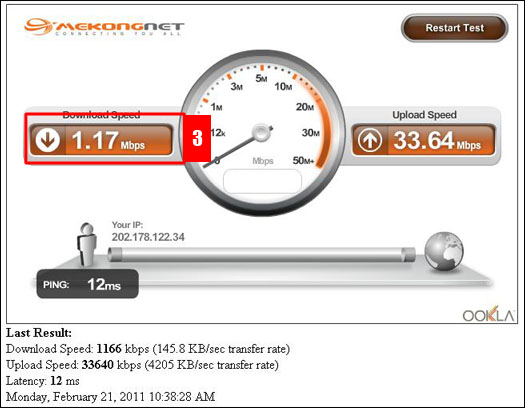
Step 3: Chose speed that support your current speed and click Change button

|
|
|
|
|
|
|